Overview
Knowing which tasks are best suited for a soft keyboard (tablet or mobile device) versus a hard keyboard (desktop, laptop, or external keyboard paired with a tablet) ensures a smoother and more efficient experience using Punchey. Whether you're ringing up a quick checkout or editing detailed customer data, choosing the right input method helps optimize your workflow and productivity.
What’s the Difference?
First of all, let’s define the two.
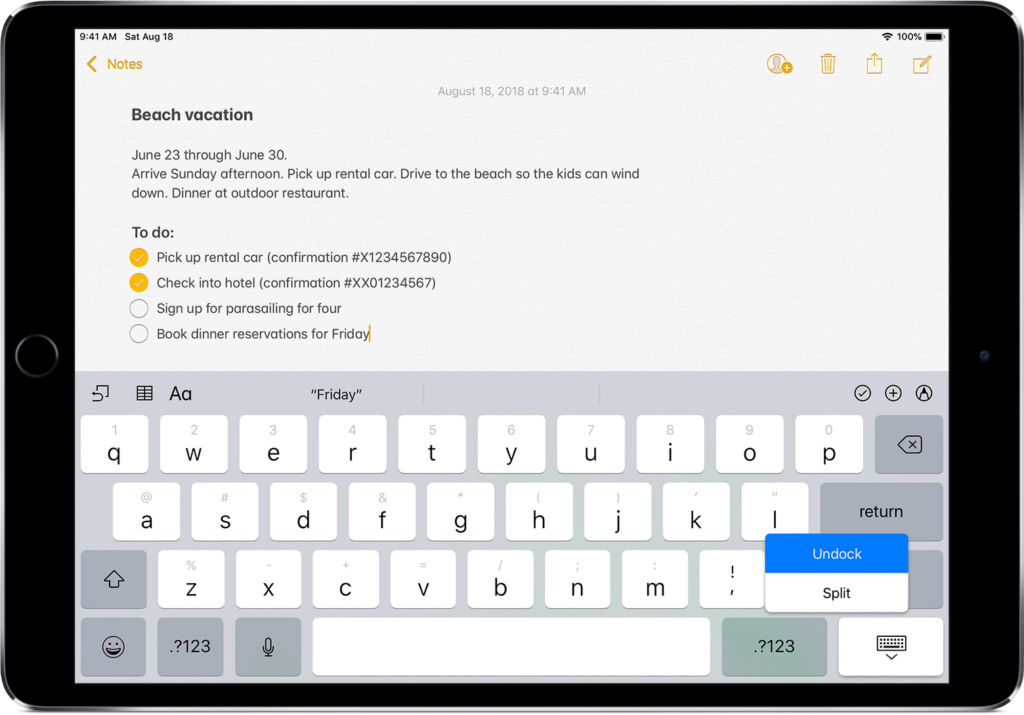
A soft keyboard refers to a tablet or mobile device.
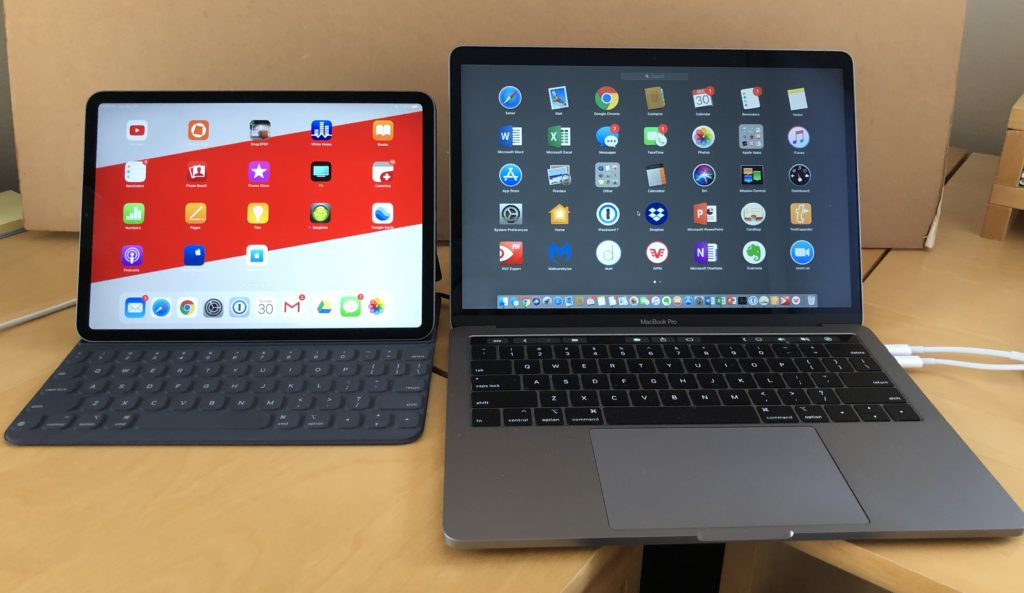
A hard keyboard refers to a desktop, laptop, or tablet paired with bluetooth to a physical keyboard.
Soft Keyboard Activities
- Basic checkouts
- Creating basic appointments
- Generating bills from appointments
- Viewing reports
- Viewing reputation alerts
Hard Keyboard Activities
- Settings updates
- Editing your menu
- Editing staff and permissions
- Creating detailed invoices
- Creating recurring billing programs
- Adjusting balances and statements owed
- Activating gift cards
- Running high credit card transaction volume
- Accepting cash payments and providing change
- Exporting and manipulating data
- Setting up Spring Board widgets
- Creating and modifying customer data
Want to learn more? Check out our YouTube Channel for helpful content and read more of our how-to guides!
Was this article helpful?
That’s Great!
Thank you for your feedback
Sorry! We couldn't be helpful
Thank you for your feedback
Feedback sent
We appreciate your effort and will try to fix the article